
There are no products listed under this category.
Shop by Brand
Free Computer Diagnostics
Free Computer Diagnostics in San Marcos, TX
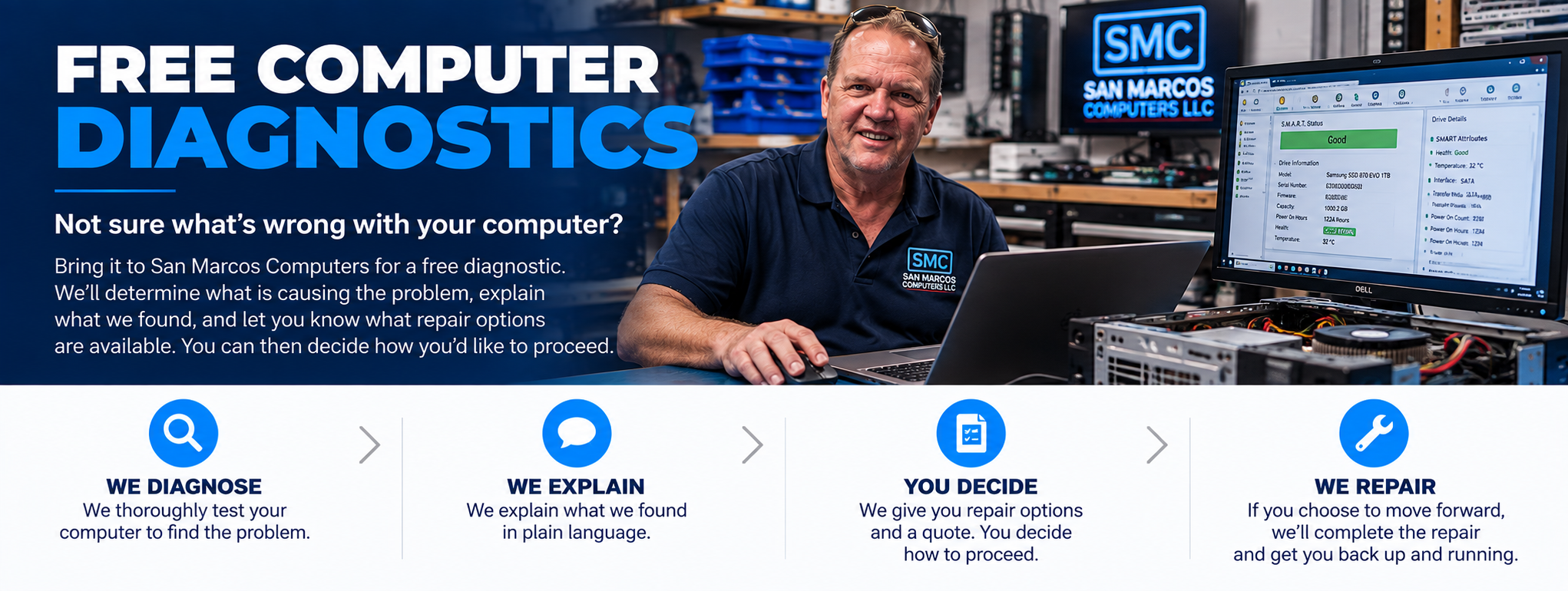
Not sure what is wrong with your computer? San Marcos Computers provides free computer diagnostics for desktops, laptops and supported Mac computers in San Marcos, Texas.
Before recommending a repair, we need to determine what is actually causing the problem. Our diagnostic process helps identify the source of hardware, software, Windows, macOS, storage and performance problems.
What Is a Computer Diagnostic?
A computer diagnostic is the process of determining why a computer is not working properly.
A symptom does not always tell you what component is actually causing the problem. For example, a computer that will not turn on could have a power supply problem, motherboard problem, memory problem or another hardware issue. A slow computer could have a storage problem, software problem, insufficient memory or several contributing factors.
Proper diagnosis helps determine what is actually wrong before deciding how to repair the computer.
What We Diagnose
We can diagnose many common desktop, laptop and Mac problems, including:
- Computer will not turn on
- Computer will not boot
- Computer starts but displays no picture
- Windows will not start
- Mac will not start
- Computer is running slowly
- Computer freezes or crashes
- Computer overheats
- Hard drive or SSD problems
- Memory problems
- Power supply problems
- Display problems
- Charging problems
- Unexpected error messages
- Software problems
- Virus and malware problems
Desktop Computer Diagnostics
Desktop computers can develop problems involving power supplies, motherboards, RAM, graphics cards, storage devices, cooling systems, Windows and other components.
Our Desktop Computer Repair service addresses problems with standard desktop PCs, custom-built computers and gaming desktops.
Laptop Diagnostics
Laptops combine many components into a compact system, making proper diagnosis particularly important.
We can diagnose problems involving screens, batteries, charging, storage, keyboards, cooling, Windows and other hardware or software.
Learn more about Laptop Repair.
Mac Diagnostics
We also diagnose supported MacBooks and Apple computers.
Mac problems can involve hardware, storage, charging, batteries, displays, macOS or other software.
Visit our Mac Repair page for more information.
Hardware Diagnostics
When a hardware component is suspected, we can determine whether the symptoms point toward a particular component or system.
Potential hardware problems can include:
- Hard drives and SSDs
- RAM and memory
- Power supplies
- Graphics hardware
- Cooling systems
- Laptop batteries
- Charging systems
- Displays and screens
- Other computer components
If a hardware repair or upgrade is appropriate, see our Hardware Repair & Upgrades service.
Software and Windows Diagnostics
Computer problems are not always caused by hardware.
Windows errors, startup problems, unwanted software, malware, configuration problems and other software issues can cause symptoms that may initially appear to be hardware failures.
Our Software & Computer Security service addresses many of these problems.
What Happens After the Diagnosis?
Once we have determined what is causing the problem, we can explain what we found and discuss the available repair options.
Depending on the situation, the options may include:
- Repairing a failed component
- Replacing damaged hardware
- Upgrading an older component
- Repairing Windows or other software
- Removing malware or unwanted software
- Replacing a failing storage device
- Transferring data to replacement storage
- Recommending replacement of the computer when repair is no longer practical
The goal of the diagnostic is to give you useful information so you can make an informed decision about what to do next.
Computer Diagnostics and Data Recovery Are Different
If your computer is having a problem and you need to know what is wrong with the computer, our free computer diagnostic service is the appropriate place to start.
If the primary problem is that important files are inaccessible, deleted or corrupted, the situation may require our specialized Data Recovery service.
Our Data Recovery assessment is also free. In most cases, we actually perform the recovery first so we can determine what data is recoverable before providing a quote.
When You Should Stop Using a Computer
If you suspect that the computer's storage device is failing and it contains important files, avoid unnecessary use of the computer until the situation has been evaluated.
Continuing to use a failing storage device can make data recovery more difficult.
If your primary concern is recovering important files rather than repairing the computer itself, contact us about Data Recovery before continuing to use the computer.
Free Computer Diagnostics in San Marcos
San Marcos Computers provides free diagnostics for desktop computers, laptops and supported Mac computers in San Marcos, Texas.
We are located at 2206 Old Ranch Road 12, just minutes from Texas State University and downtown San Marcos.
If your computer is not working properly and you don't know why, contact San Marcos Computers or bring it in for a free diagnostic.
Once we know what is wrong, we can explain the repair options and help you decide what makes sense for your computer.