
There are no products listed under this category.
Shop by Brand
Software & Security
Software & Computer Security in San Marcos, TX
Not every computer problem is caused by a failed piece of hardware. Windows problems, unwanted software, malware, configuration issues and other software problems can make a computer slow, unstable or difficult to use.
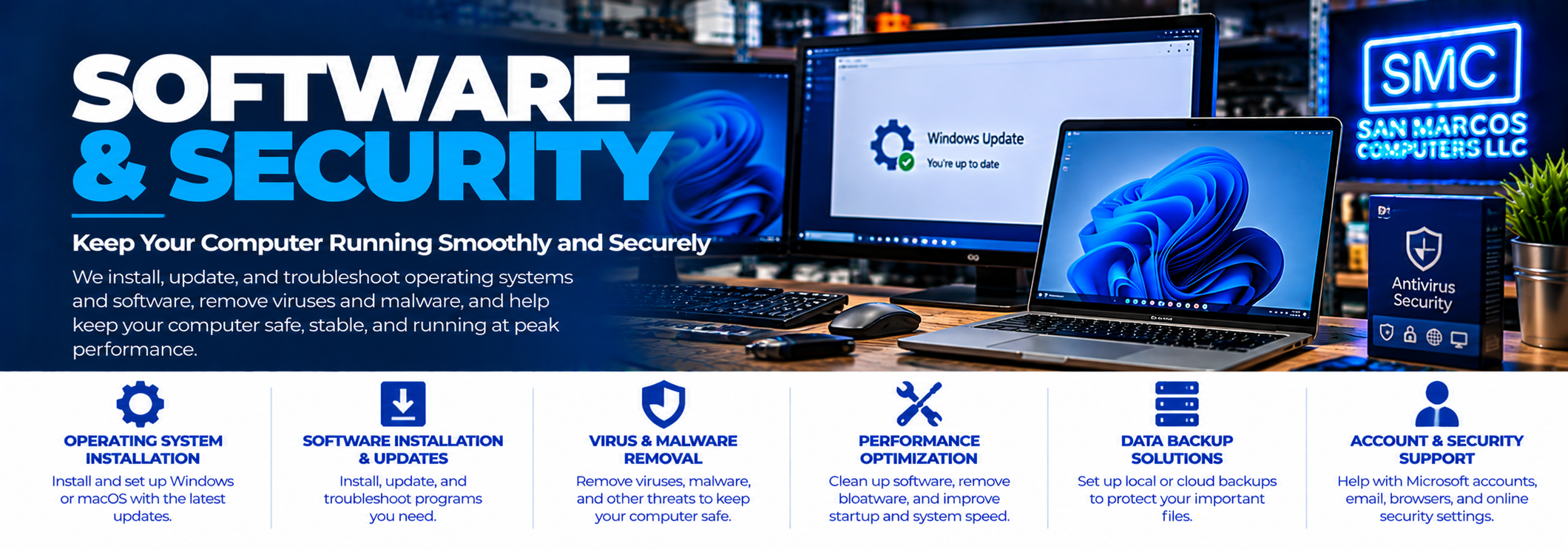
San Marcos Computers provides software troubleshooting, Windows repair, virus and malware removal, computer tune-ups and computer security assistance for desktops, laptops and supported Mac computers.
Free computer diagnostics are available.
Computer Software Problems We Help With
Software problems can produce many different symptoms. A computer may be slow, crash, display unusual messages or simply stop working the way it used to.
Common software-related problems include:
- Windows problems
- Windows startup problems
- Computer running slowly
- Programs crashing
- Computer freezing
- Unwanted pop-ups
- Unwanted software
- Browser problems
- Virus and malware infections
- Suspicious applications
- Software configuration problems
- Performance problems
- Operating system problems
Windows Repair
Windows can develop problems that prevent a computer from starting correctly, cause programs to malfunction or make the computer unstable.
We can diagnose many common Windows problems and determine what repair options are available.
Depending on the problem, this may involve repairing Windows components, addressing startup problems, removing unwanted software or correcting other software issues.
Windows 11 Upgrades
If your computer is running an older version of Windows and you are considering upgrading to Windows 11, we can help determine whether the computer is compatible and what may be involved in the upgrade.
Windows upgrades can involve hardware compatibility, storage space, software compatibility and other considerations, so we recommend evaluating the computer before proceeding.
Windows 10 to Windows 11 upgrades are handled as part of our broader software and computer repair services rather than as a separate standalone service.
Virus & Malware Removal
Viruses, malware and unwanted software can cause anything from annoying pop-ups to serious performance and security problems.
Symptoms can include:
- Unusual pop-ups
- Unexpected browser behavior
- Unwanted programs
- Programs you do not remember installing
- Searches being redirected
- Computer becoming unusually slow
- Security warnings you do not recognize
- Other suspicious computer behavior
We can examine the computer, identify suspicious software and determine what needs to be removed or corrected.
Computer Tune-Ups
A computer that has gradually become slower may not have a single failed component. Unnecessary startup programs, unwanted software, outdated applications, configuration problems and other issues can all contribute to poor performance.
A computer tune-up can address these types of software and performance problems.
Tune-up work is handled as part of our general computer repair services rather than as a separate repair category.
Slow Computer Problems
There are many possible causes of a slow computer.
The problem could be related to:
- An aging hard drive
- Insufficient RAM
- Too many startup applications
- Unwanted or malicious software
- Windows problems
- Storage nearly being full
- Overheating
- Other hardware problems
Because slow performance can have both hardware and software causes, our free computer diagnostics can help identify what is actually causing the problem.
Suspicious Software & Pop-Ups
If your computer suddenly displays warnings, pop-ups or messages claiming that your computer is infected or that you need to call a technical support number, be careful.
Some legitimate security notifications exist, but scammers also use alarming pop-ups to convince people to provide remote access, payment information or personal information.
Do not give an unknown person remote access to your computer simply because a pop-up tells you to call a phone number.
Remote Access Scams
If you have already allowed someone you do not trust to remotely access your computer, the situation requires more than ordinary virus removal.
We offer Remote Hack & Computer Security Assistance for situations involving suspected unauthorized remote access, computer scams and suspicious remote-access activity.
This service is specifically designed to help address the computer-security side of these situations.
Computer Security Assistance
We can help identify suspicious software and address common computer security problems.
Depending on what happened, this may include examining installed software, reviewing browser behavior, removing unwanted applications and checking the computer for other signs of suspicious activity.
If you believe someone has gained unauthorized access to your accounts, contact the appropriate service provider or financial institution directly using a trusted phone number or website.
Mac Software Problems
Mac computers can also experience software, application, performance and security problems.
Our Mac Repair service covers supported Mac hardware and software problems.
Software Problems vs. Hardware Problems
Software symptoms do not always mean that the software itself is the problem.
For example, a computer that crashes or runs slowly could have a failing storage device, defective RAM, overheating or another hardware problem.
That is why we diagnose the computer before recommending a particular repair.
Our free computer diagnostics can help determine whether the problem appears to be hardware or software related.
Software Problems and Your Data
If your computer is experiencing a software problem but your files are still accessible, we can generally work on the computer while taking appropriate precautions with your data.
If the storage device itself is failing or your files are inaccessible, however, the situation may require specialized Data Recovery.
If important files are involved, tell us before attempting major software repairs or reinstalling the operating system.
Software & Computer Security in San Marcos
San Marcos Computers provides software troubleshooting, Windows repair, virus and malware removal, tune-ups and computer security assistance in San Marcos, Texas.
We are located at 2206 Old Ranch Road 12, just minutes from Texas State University and downtown San Marcos.
If you are not sure what is wrong with your computer, start with our free computer diagnostics.
Contact San Marcos Computers if you need help with a software or computer security problem.